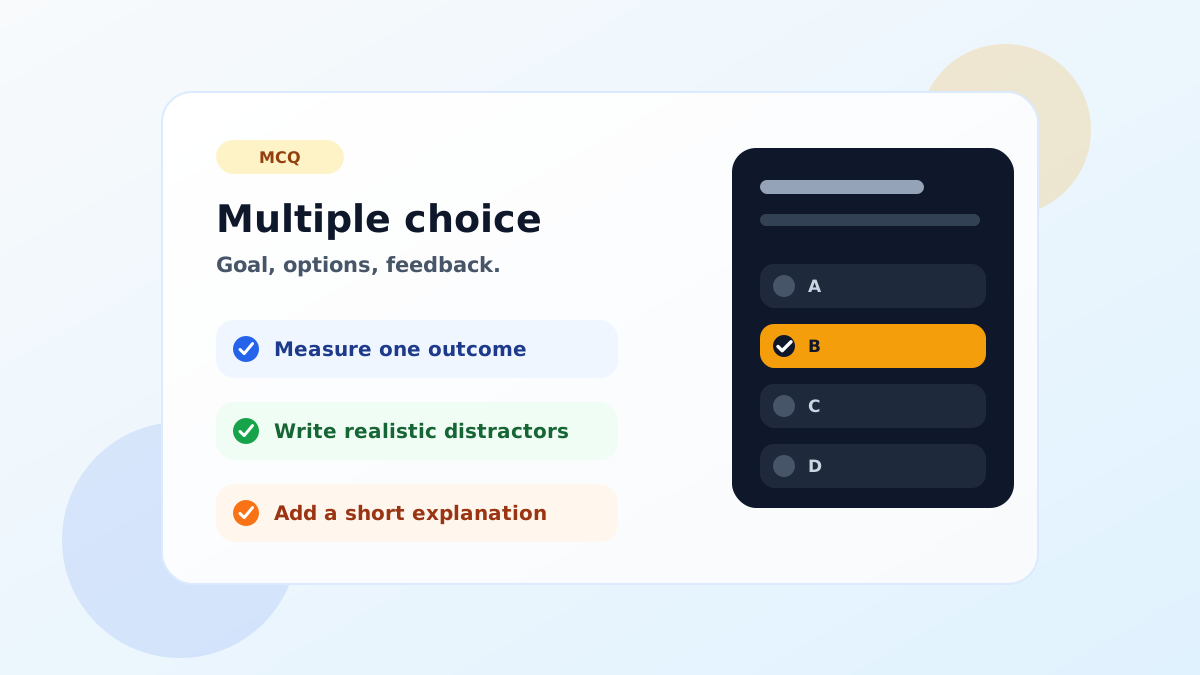
MCQ is short for Multiple Choice Question. In everyday teaching, it means a question where learners choose one answer from several options. It is common in tests, quick checks, quizzes and LMS content because it gives a clear way to measure a specific learning outcome.
Still, a good MCQ is not just a question with four options and one correct answer. A well-written multiple choice question shows whether the learner really understands the topic. A weak one may only measure guessing or the ability to spot clues in the wording.
1. Start with one learning outcome
Before writing the question, ask yourself what the item should measure. Should the learner recall a definition, distinguish two concepts, apply a rule, or interpret a short situation?
If one question tries to measure too many things, it becomes unclear. A cleaner approach is to choose one outcome for each MCQ and write everything around that outcome.
2. Write a clear and complete stem
The stem is the main question learners read before choosing an option. Its job is not to trick them, but to make the task clear. Avoid unnecessary background, ambiguous wording and double negatives.
A good stem should make sense even before the learner reads the options. If the learner has to inspect every option just to understand what is being asked, the stem probably needs rewriting.
3. Make the correct answer defensible
The correct answer should not depend on personal interpretation. Based on the lesson, text or outcome, one option should clearly be the best answer. If two options can both be defended, revise the question or change one of the options.
Also avoid making the correct answer longer, more detailed or more formal than the others. Learners often notice these clues even when they do not know the content.
4. Build distractors from realistic mistakes
Distractors are the wrong options, but they should still be believable. Obviously false options make the question too easy and reduce its value as an assessment item.
The best distractors usually come from common learner mistakes: confusing similar terms, applying a rule in the wrong order, skipping part of the question or making an overgeneralization.
5. Keep the options balanced
Options should be similar in length, tone and level of detail. If one option is a single word and another is two lines long, learners may start reading the shape of the answer instead of thinking about the content.
Four options are usually enough. If you use five, make sure each option has a real purpose. Forced options rarely improve the question.
6. Add short, useful feedback
Feedback helps learners understand the answer after they respond. Instead of only saying which option is correct, explain briefly why it is correct.
In digital quizzes, this short explanation is part of the learning experience. It turns the MCQ from a simple check into a small teaching moment.
7. Preparing the MCQ in TeinGo
In TeinGo, open the creation area and choose the MCQ content type. Write the question, add the options and mark the correct answer. Then use the explanation field for short feedback.
You can use the question on its own, add it to a quiz, export it as a printable PDF or turn it into SCORM content for an LMS. Before publishing, check the correct answer, the balance of options and any spelling issues.
Quick checklist
- Does the question measure one outcome?
- Is the stem clear and direct?
- Is the correct answer unambiguous?
- Are the distractors realistic?
- Are the options balanced in length and tone?
- Does the learner get a short explanation?
When an MCQ passes this checklist, it becomes more than a test item. It becomes a small but useful way to make learning visible.
Leave a Comment