
How to Grade Written Exams Faster Without Sacrificing Feedback Quality
When midterms or final assessments wrap up, stacks of student papers quickly pile high on every teacher's desk. For teachers assessing open-ended responses, short essays, and structured calculations, marking papers can turn into the most exhausting task of the term. The burning question on every educator's mind becomes how to grade written exams faster without compromising fairness or constructive student feedback.
Pipelines break down when grading fatigue sets in. The patience, focus, and analytical energy you bring to the first paper rarely match the mental state you find yourself in on paper sixty. Inconsistent scoring across a class becomes a real risk. More importantly, when hours are spent mechanically tallying points, little time or energy remains for the substantive feedback that actually helps students learn.
TeinGo bridges this gap. Through its AI exam reader features, teachers turn printed exam papers and answer sheets into editable draft scores, rubric breakdowns, and diagnostic reports while keeping teacher approval strictly in the loop. In this guide, we explore a proven four-step process to streamline your grading workflow using clear rubrics, digital extraction, and AI-assisted drafting.
Step 1: Design a Question-Based Evaluation Rubric
A sharp, well-structured rubric cuts grading time in half while anchoring grading consistency. Instead of awarding points based on overall impression, breaking down student outcomes into concrete criteria removes guesswork.
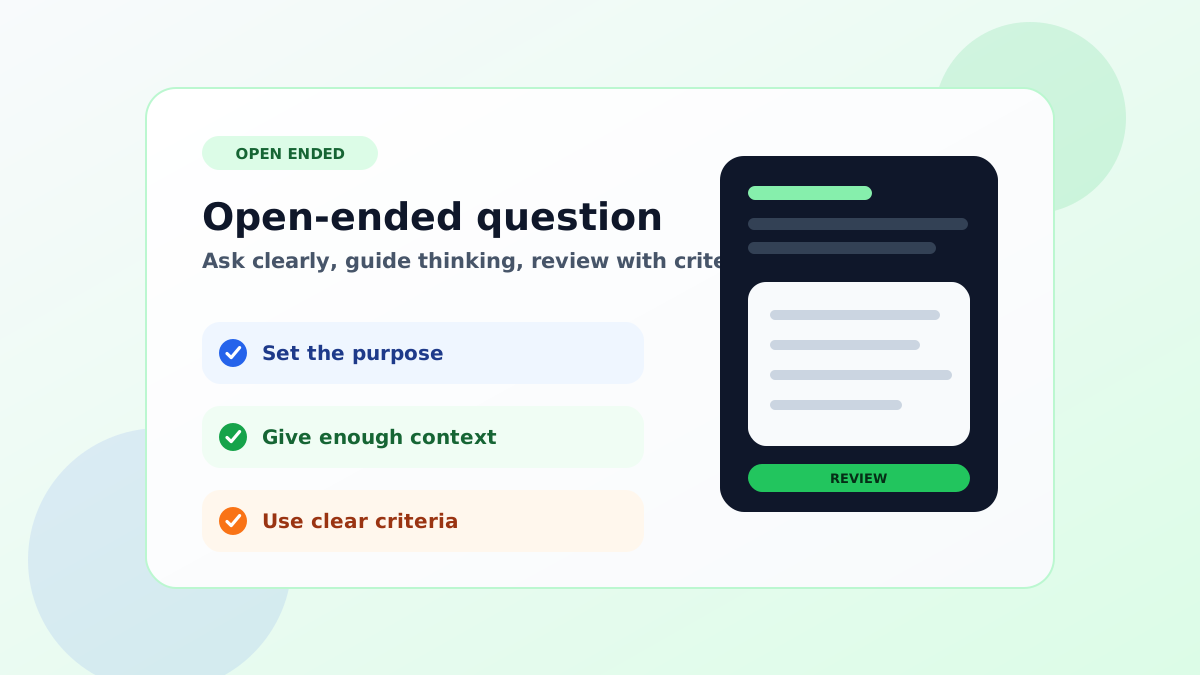
When building a grading rubric for open-ended questions: - Define the core target keywords and conceptual understandings required for full credit. - Specify partial credit thresholds for intermediate work (such as calculation steps, correct technical terminology, or clear cause-and-effect reasoning). - Separate student verbosity from conceptual accuracy. If you are refining your assessment prompts, explore our guide on how to write open-ended questions that invite clear thinking rather than vague essays.
When organizing your assessment in TeinGo, you can use the Exam and Worksheet Flow to attach answer keys, scoring criteria, and rubric guidance directly to your questions. A transparent answer key ensures that any downstream AI draft scoring reflects your exact classroom expectations.
Step 2: Digitize Student Papers with PDF Import and OCR
Flipping back and forth through physical paper stacks slows down concentration and creates physical friction. Scanning student papers into PDF files lets you process work systematically on screen.
Here is how the digitization workflow operates: 1. Collect and scan completed exam sheets using a school copier or document camera to create batch PDFs. 2. Open the PDF Import and OCR workspace to highlight specific response areas on the student submissions. 3. Digital PDF text is extracted directly in your browser. For image-based or handwritten responses, OCR extracts the written student text into an editable draft card. 4. Perform a quick visual sanity check on formulas, numbers, or unique handwriting quirks to ensure the extracted draft accurately represents the student's work.
Remember that PDF sessions are temporary workspaces designed for extraction. Once confirmed, clean text records flow directly into your evaluation queue.
Step 3: Generate AI Draft Scores and Formative Feedback
In modern educational workflows, artificial intelligence serves best not as an autonomous decision-maker, but as an untiring draft assistant. In TeinGo, AI maps the digitized student answer against your established rubric criteria.
The draft scoring process follows these steps: 1. The system compares the student's extracted response against your preset rubric guidelines. 2. It analyzes whether essential conceptual terms, necessary operational steps, and logical reasoning are present in the answer. 3. Using available AI credits, the system generates an editable draft score alongside a concise explanatory rationale. 4. Missing components are flagged clearly for teacher review (for example: "Concept defined correctly, but supporting historical example is omitted").
Instead of reading each response from a blank slate, you start with an initial draft score and targeted notes, saving hundreds of repetitive micro-decisions.
Step 4: Finalize Marks with Complete Teacher Review Control
No automated algorithm can replace a teacher's pedagogical intuition, empathy, and firsthand understanding of classroom context. In TeinGo, review control always stays in your hands.
Inside the evaluation interface: 1. Review the AI-generated draft score and the reasoning summary provided for each question. 2. Confirm the mark with a single click or modify the numeric field if student phrasing or special circumstances warrant an adjustment. 3. Add a personalized encouraging note or refine the feedback sentence before saving. 4. Finalize the submission once all items have met your standard.
This human-in-the-loop workflow protects your professional oversight while cutting cumulative marking time from long weekends down to manageable sessions.
Post-Exam Analysis: Turning Grades into Actionable Insights
Grading should do more than populate a gradebook column; it should inform your next teaching cycle. After completing paper reviews, examine aggregate performance metrics to pinpoint where conceptual misconceptions linger.
Once scores are compiled: - Review per-question accuracy rates to see where widespread confusion occurred. - Identify specific questions where multiple students failed to apply key criteria. - Build focused review sets, targeted practice sheets, or quick warm-up activities to close learning gaps before moving forward.
When assessment data flows back into instruction, grading becomes an engine for student growth rather than mere administrative overhead.
Common Grading Pitfalls to Avoid
- Grading without a granular rubric: Vague scoring rubrics force you to re-evaluate grading standards on every single paper, multiplying cognitive fatigue.
- Overlooking OCR draft checks: Always take a brief look at handwritten extraction cards to ensure math notations and unusual handwriting were captured accurately.
- Surrendering teacher oversight: Treat AI suggestions strictly as editable drafts. The teacher remains the sole professional authority responsible for assigning grades.
- Penalizing varied expression: Look for conceptual understanding and critical thinking rather than exact verbatim memorization of textbook sentences.
Frequently Asked Questions
Can AI make mistakes when reviewing written student exams?
Yes. AI relies on pattern matching against your rubric criteria. Variations in student phrasing and cursive handwriting can occasionally lead to misinterpretations. This is why TeinGo preserves strict teacher review control, requiring teacher confirmation for final scores.
How many AI credits are consumed during exam review?
AI credits depend on the volume of pages uploaded, the number of individual questions evaluated, and the depth of feedback drafts generated. You can monitor your current credit usage at any time in your account settings.
Can I use my own custom exam worksheets and answer keys?
Yes. TeinGo is built entirely around teacher-owned material. You can upload your own custom worksheets, quizzes, rubrics, and answer keys without being locked into rigid third-party formats.
How can I share evaluation summaries after grading is complete?
Once scoring is finished, you can export structured reports, answer keys, or printable results via PDF to distribute feedback directly to students and parents.
Streamline Your Exam Grading Today
Written exams offer rich insights into student comprehension, but evaluating them should not push teachers toward burnout. By pairing rigorous rubrics with OCR and AI draft assistance, you can maintain dependable grading standards while reclaiming your personal time.
Ready to transform your assessment workflow? Visit TeinGo free registration to set up your account and experience a smarter way to manage classroom assessments.
Leave a Comment