This is where single learning pieces are born. The cleaner and clearer you work here, the more smoothly quizzes, presentations, books, and sharing flows will move later.
Choose the right question type
Multiple choice works well for quick checks, fill in the blanks tests recall, open questions invite thinking, drag and drop handles matching, hotspot focuses attention on an image, and interactive video shines when timing matters.
The important thing here is not choosing the most flashy type, but the one that fits the learning moment. The right type reduces friction; the wrong one can make even strong content feel tiring.
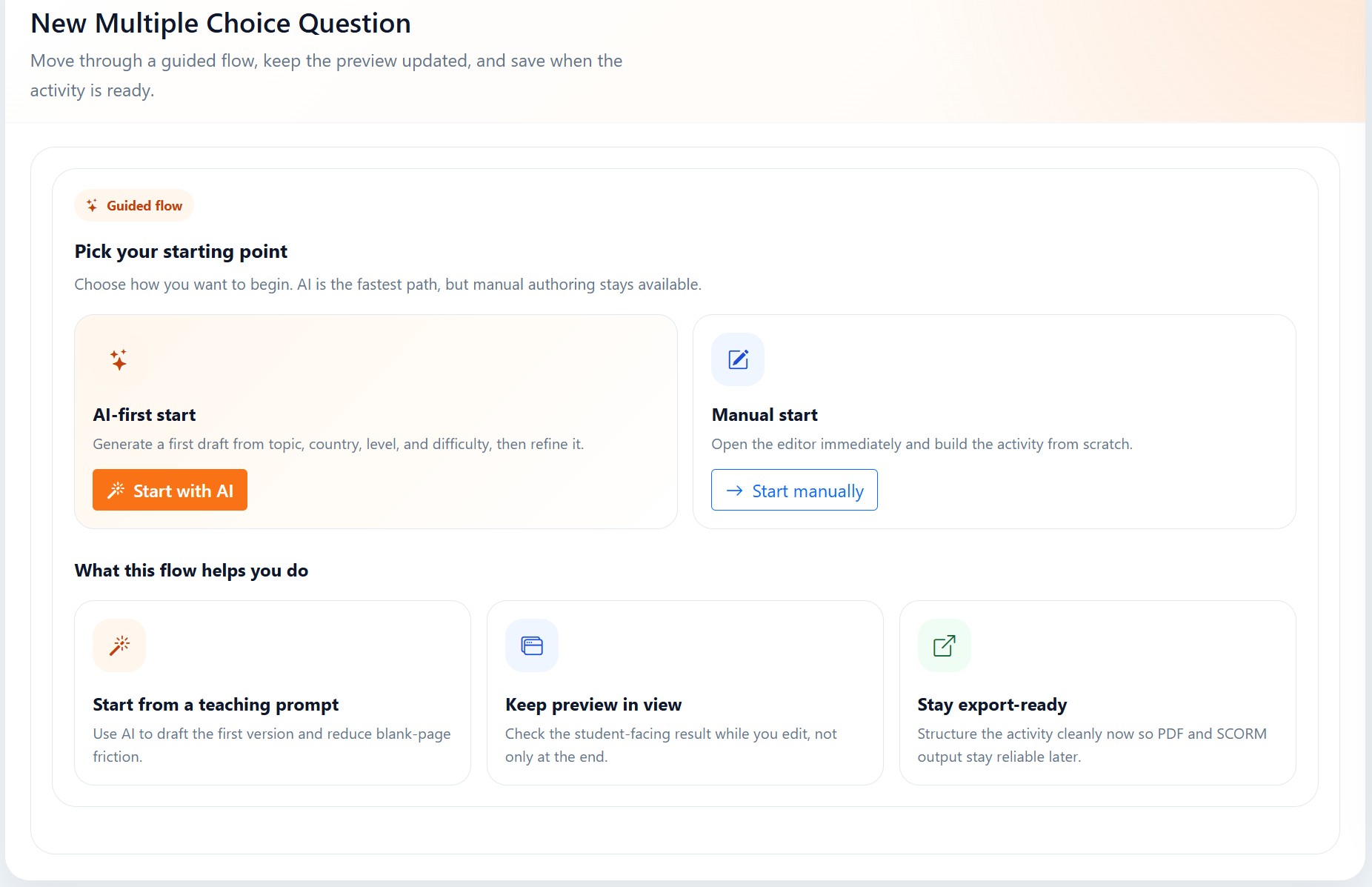
Use AI as a draft partner
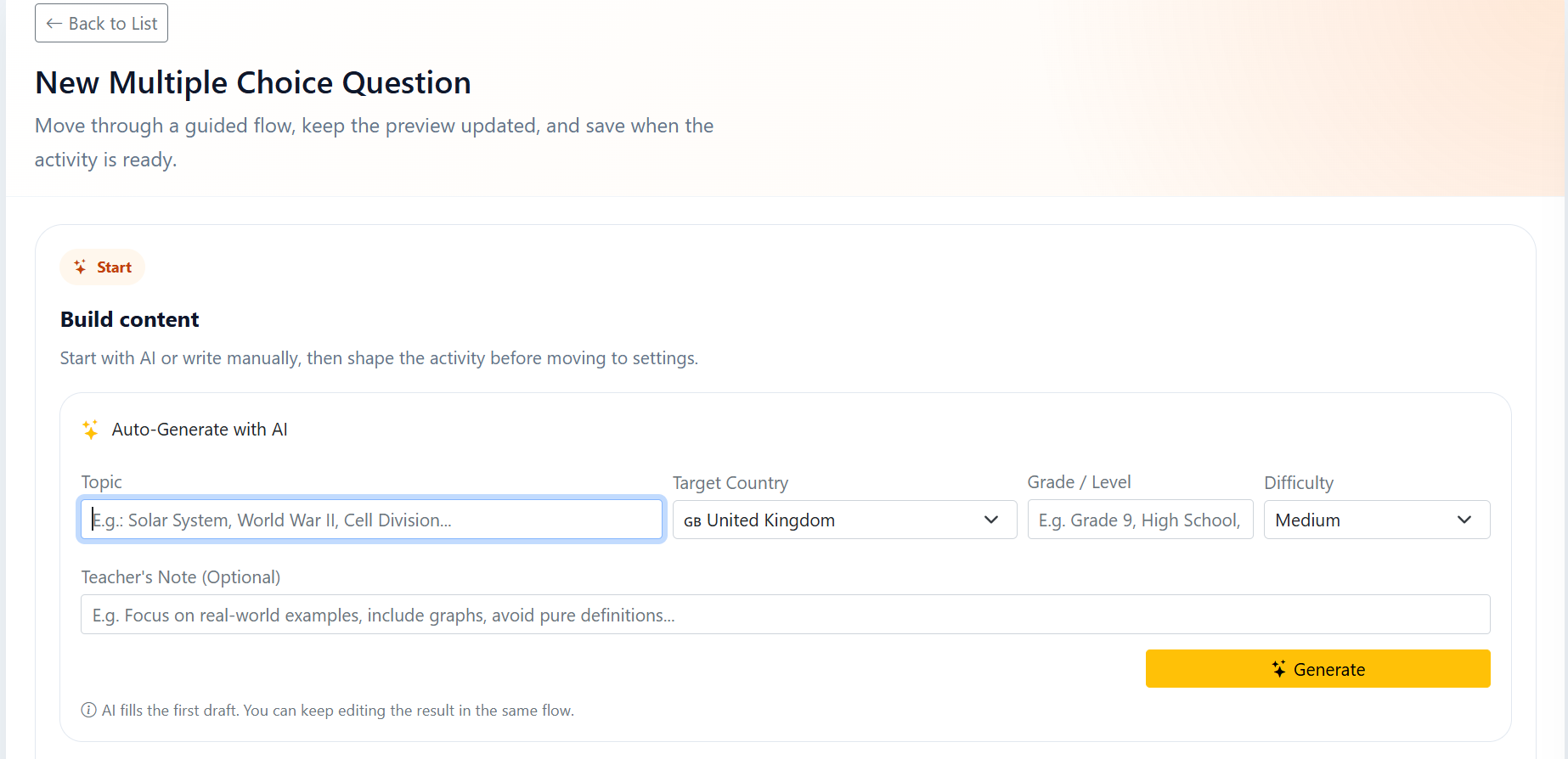
AI is most useful here when it breaks the blank-page feeling. It can quickly produce a first draft, a question suggestion, a sample explanation, or a tone experiment, so the starting barrier drops.
But the best result appears when you do not leave the output untouched. Simplifying the answer, adapting the tone to your audience, and trimming unnecessary lines still need a human hand.
Work cleanly in the editor and move easily later
When you keep pieces like title, explanation, answer, feedback, and media organized, the content causes fewer problems in later steps. A little order preserves alignment in preview and lets you move into other modules without breaking the structure.
The clean structure you build here matters not only for this page, but also for reuse. The same content behaves far more smoothly later inside a quiz, presentation, book, or share link.
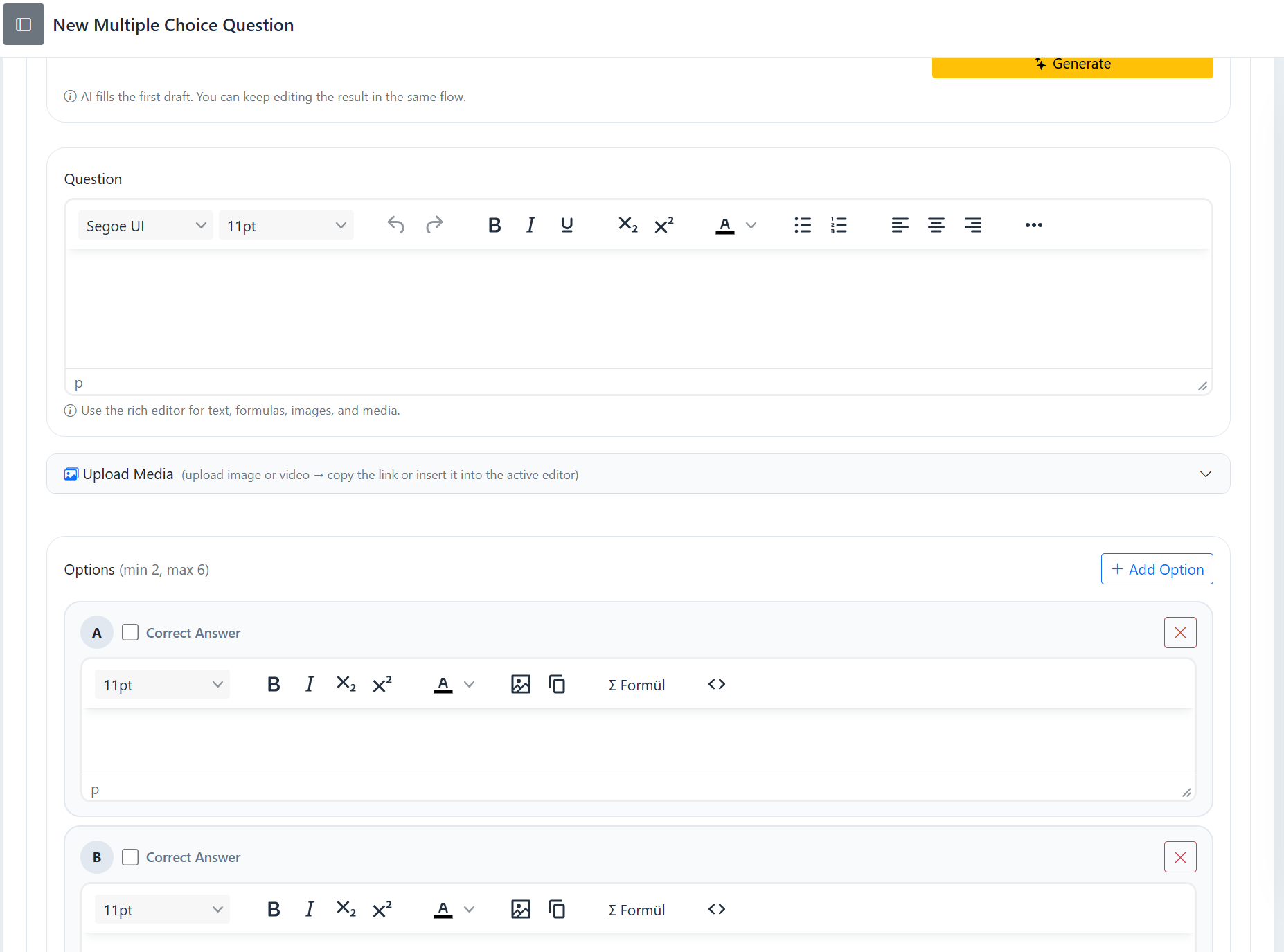
A question that is not clear at first glance also creates unnecessary load for the learner. Content that looks simple on screen is usually learned better.