This section is built to make your first fifteen minutes feel easy. It helps you see where to look, where it is easiest to start, and where your work gathers over time.
Start with the dashboard
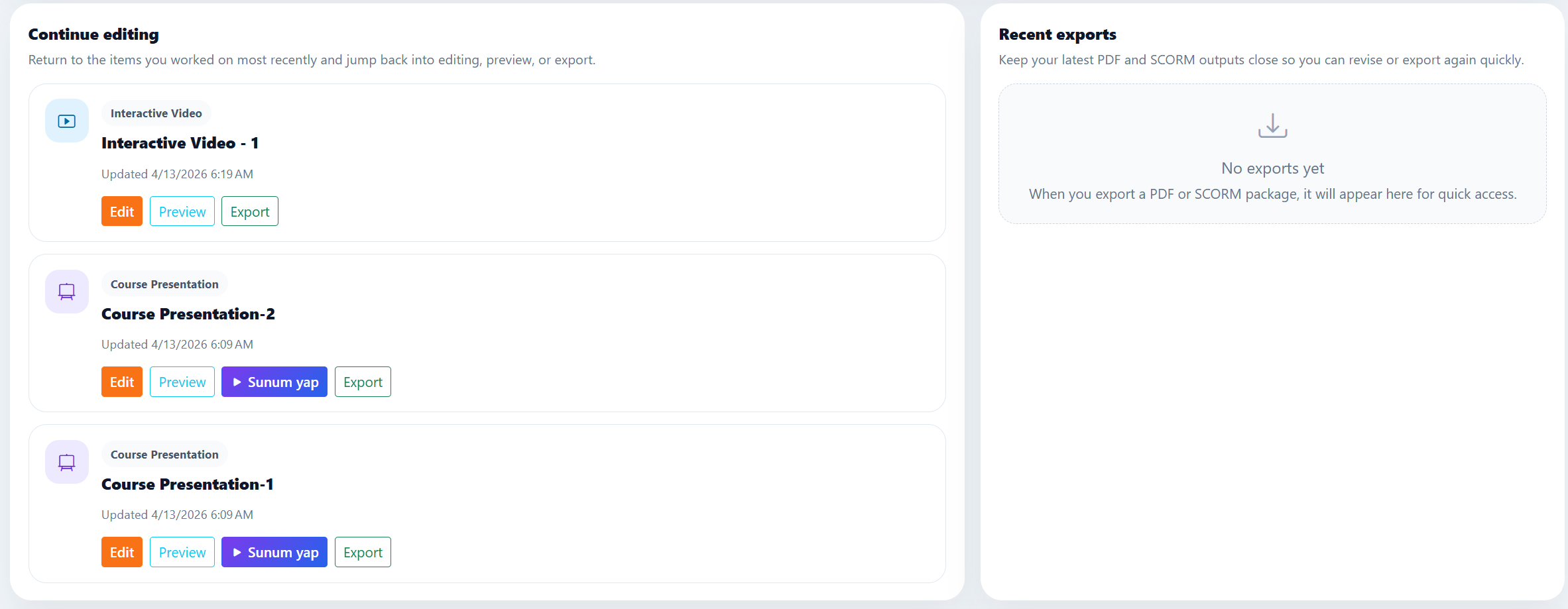
The dashboard is not only a welcome screen. Because it keeps your recent drafts, recent exports, and the areas you visit often in one place, it makes it easy to remember where you left off.
Its value grows even more after you use the platform for a while, because instead of wandering through scattered tabs, you can take the pulse of your work from one glance here.
Use the create menu based on your goal
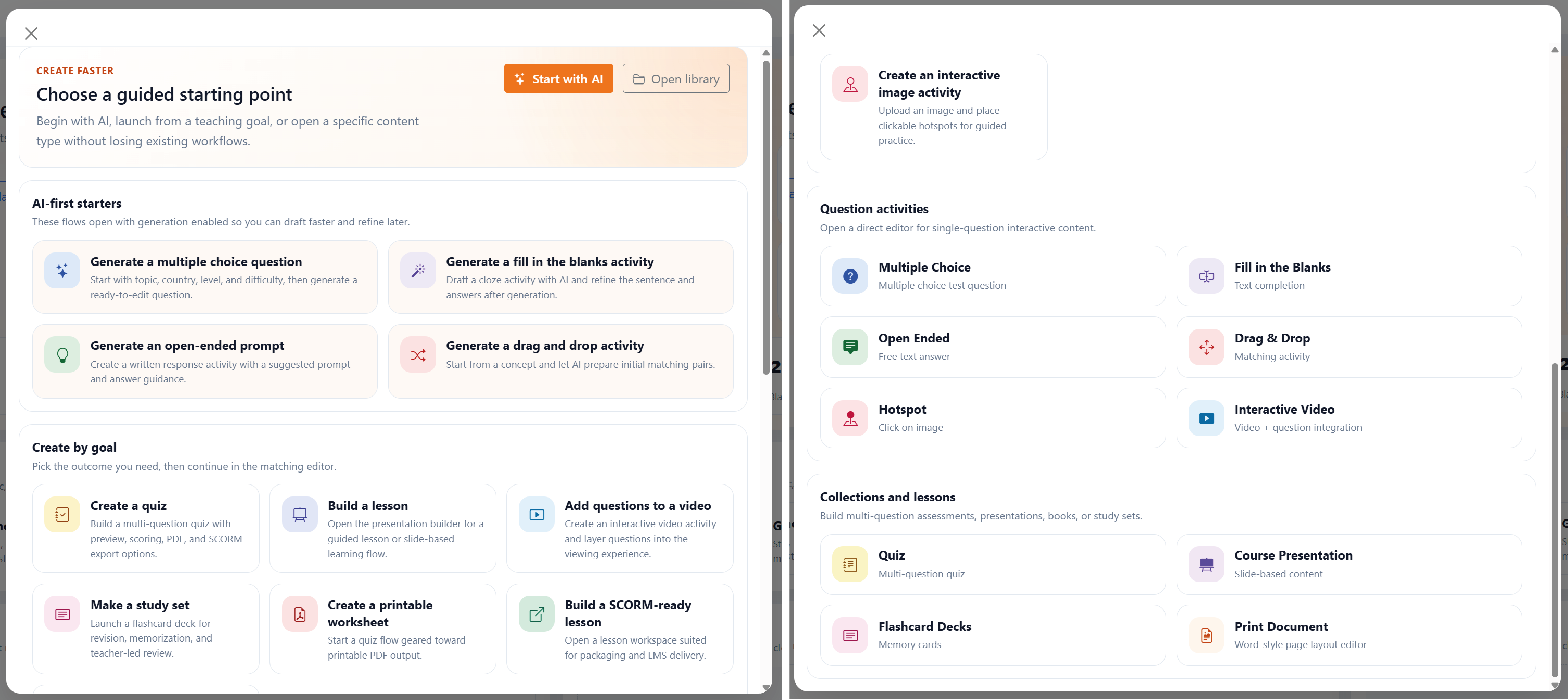
If you want to create a single activity, go to content creation. If several questions need to run in sequence, use a quiz; if you need explanation and slides, use presentations; if you need fast repetition, choose flashcards; if you want a page-like feeling, pick a book document.
The most practical approach is to clarify the goal first and choose the module second. Starting in the right place saves you from moving content around and rebuilding it later.
Why the library and settings matter
The library becomes the real center after you create a few things. You can see your content together, filter it, reopen it, and notice more easily what is ready for reuse.
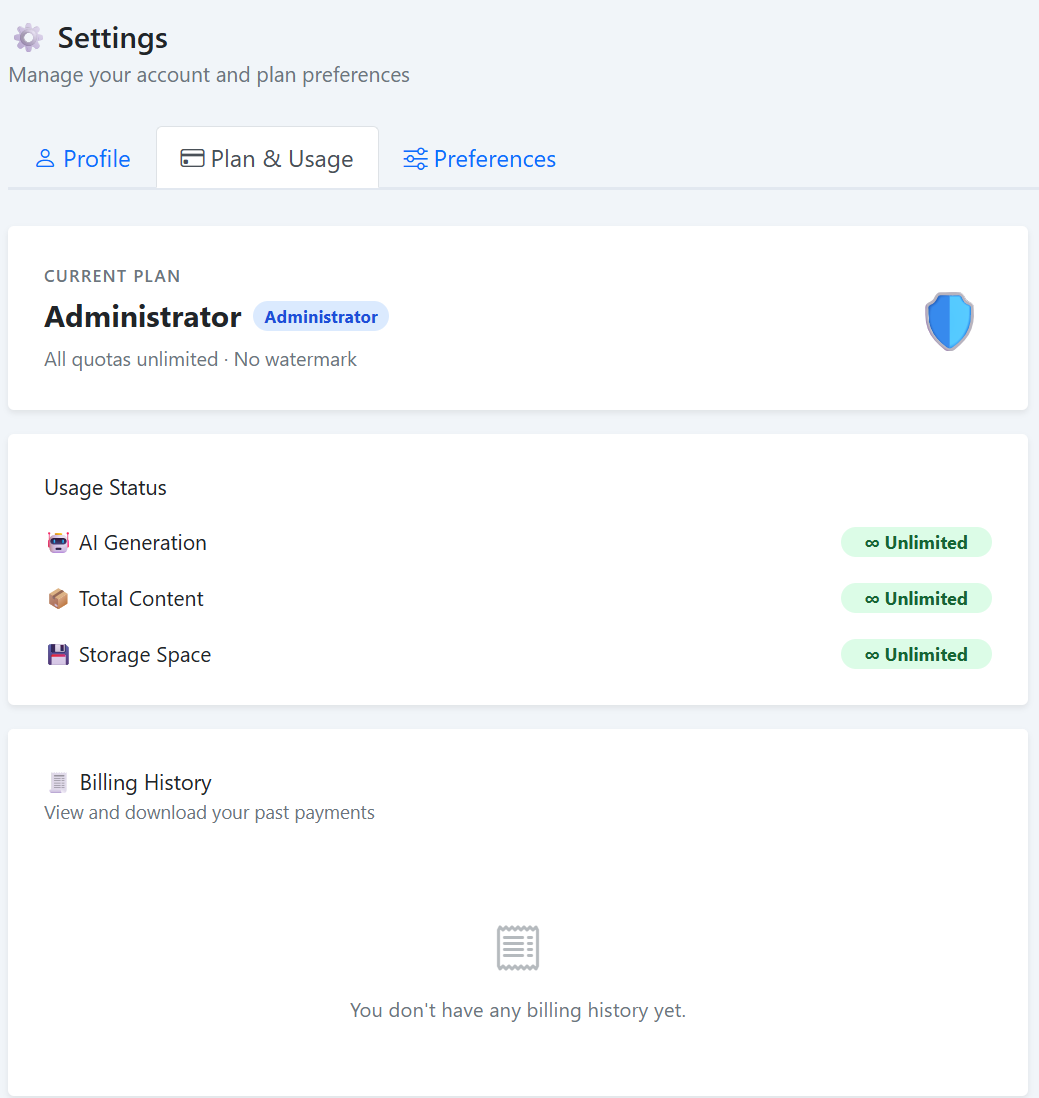
Settings is calmer, but just as necessary. Profile details, password actions, and plan-related information live in one place, so daily use involves much less hunting around.
Give your content clear names from the first moment. A tidy library saves more time than you expect once the project grows.