When content starts to feel ready, it is time to move it outward. This section covers the calm side of the process, from final checking to the right sharing method.
Do not skip the preview step
Preview is the cheapest step for catching writing and layout mistakes. It lets you see an overflowing image, a missing video, a broken space, or a paragraph that runs too long before you export.
It is also valuable for understanding the mobile or narrow-screen feel. Content that looks fine on desktop may not feel equally comfortable on a smaller screen, and preview reveals that early.
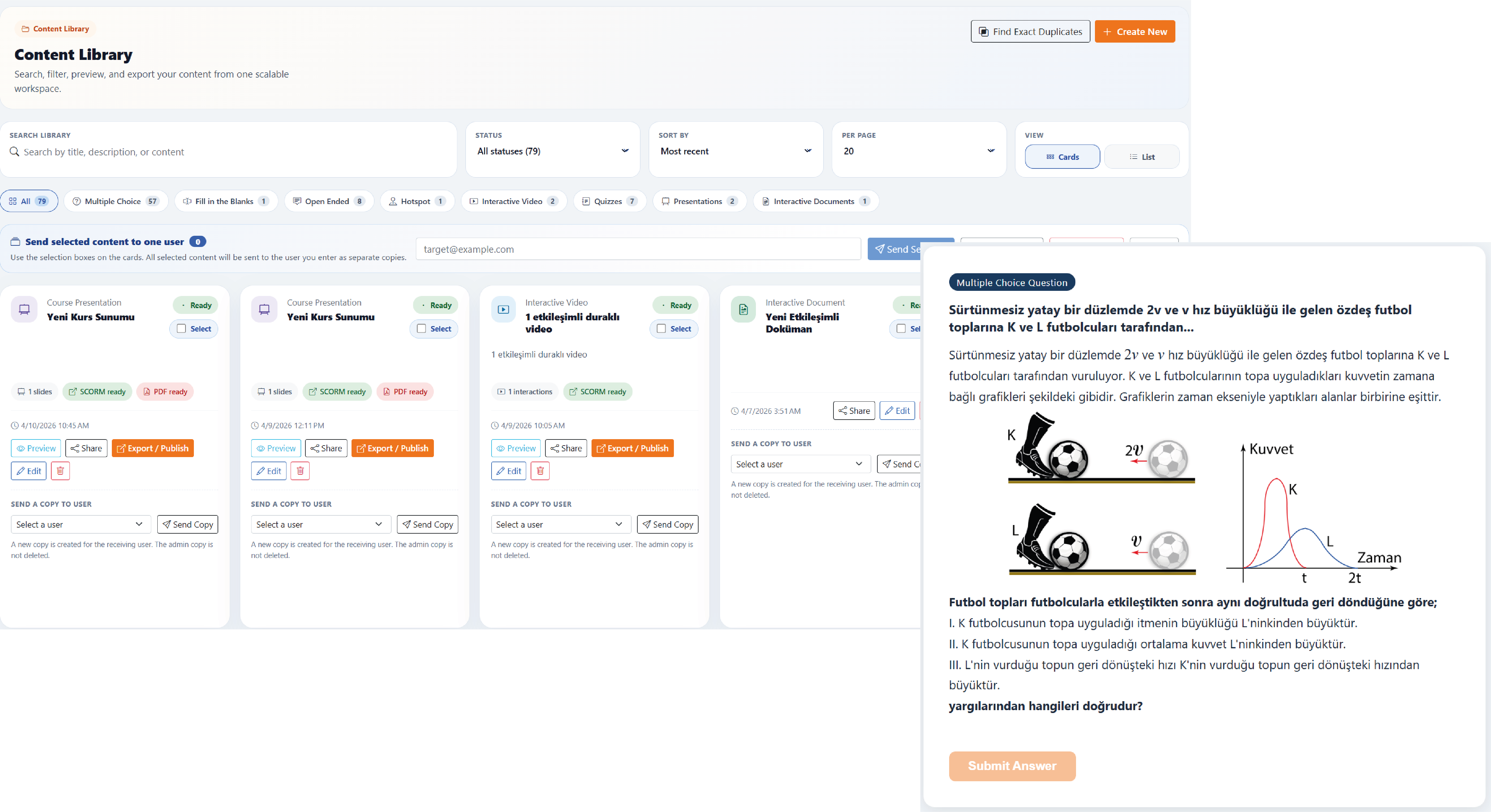
Choose correctly between PDF and SCORM
PDF is better suited to reading, printing, calm sharing, and archiving. SCORM makes sense when content will live inside an LMS, move as a package, and talk to another system.
The healthiest way to decide is not by file type, but by destination. If the target is a classroom system or learning platform, choose SCORM; if the goal is calm reading or printable output, PDF is the better fit.
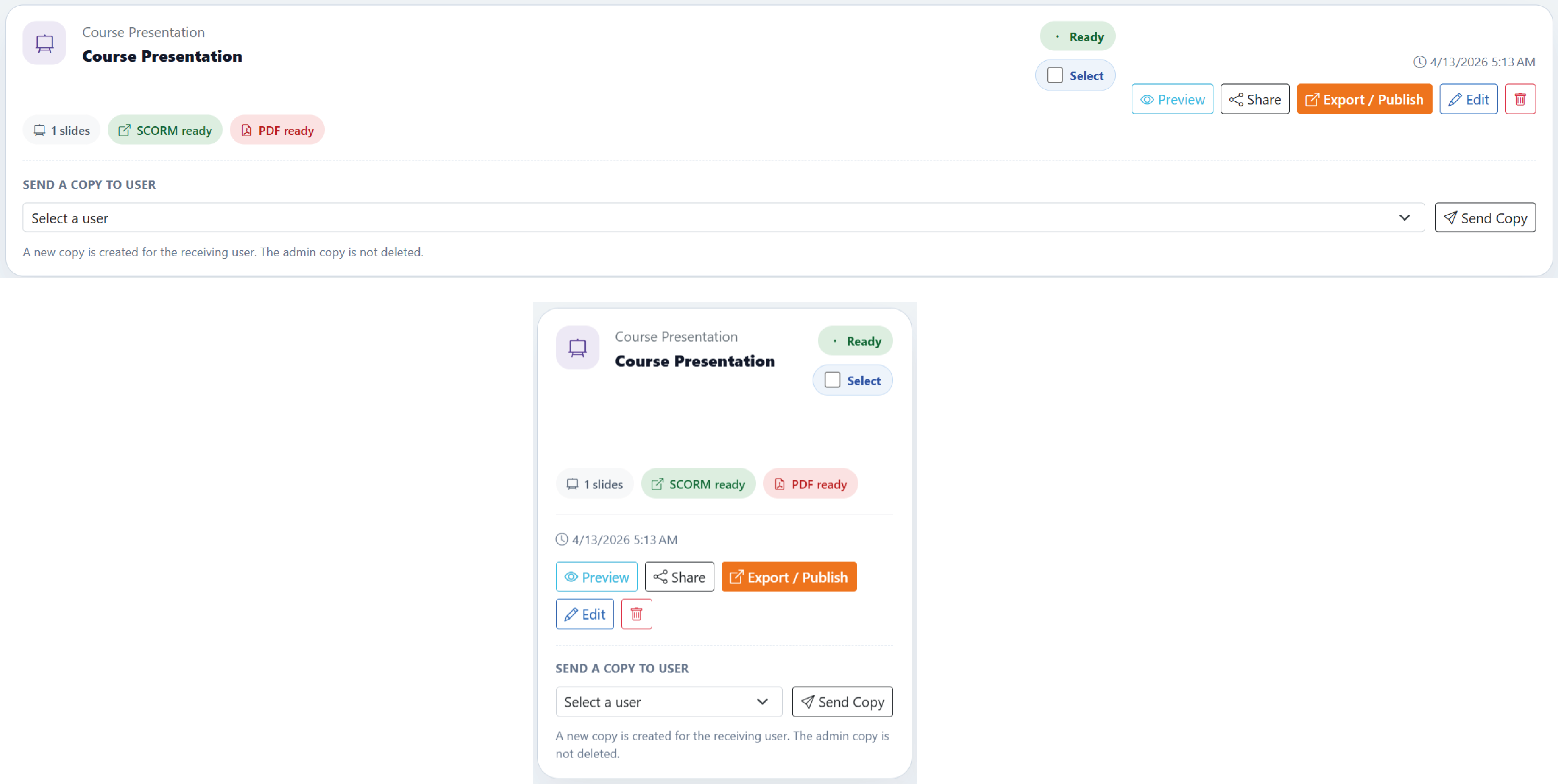
Use the sharing flow deliberately
Direct sharing is practical for teamwork inside the platform, while claim links make more sense when a copy needs to move into another user's workspace. Knowing who receives what and whether it is a live link or a copy reduces confusion.
It is also wise to check package weight and repeated media before publishing. Unnecessarily large files slow down both export time and the opening experience after sharing.
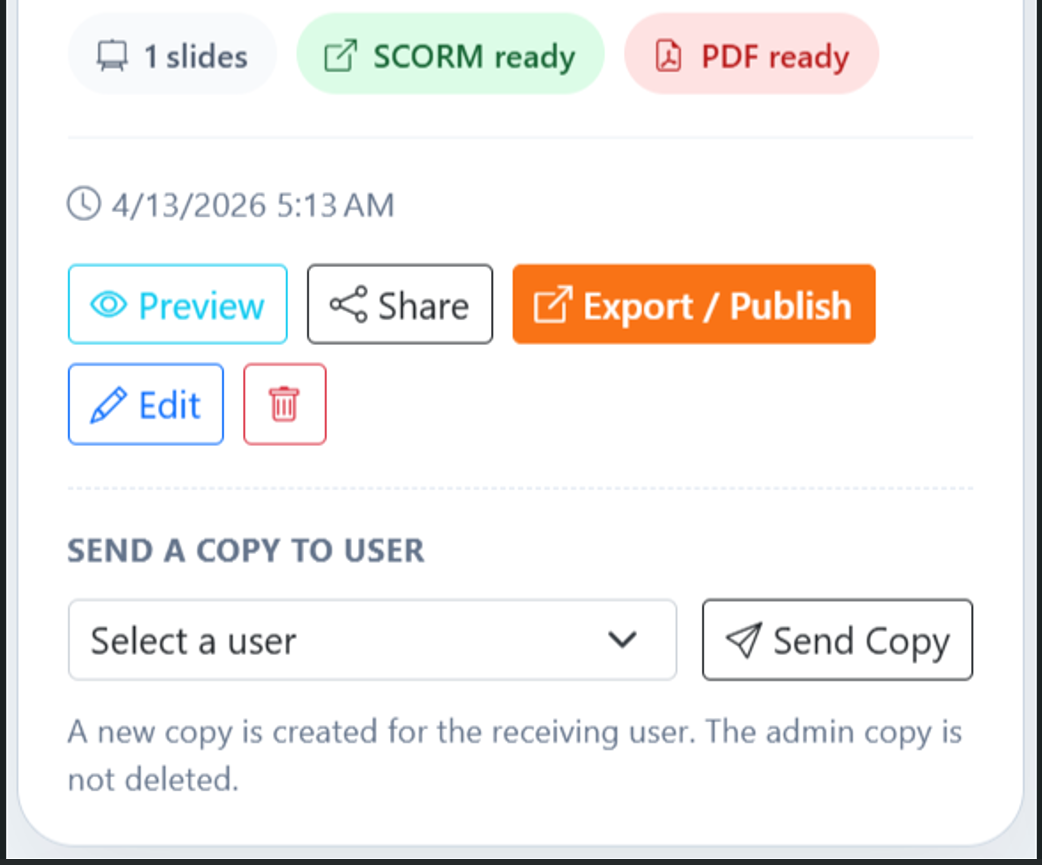
If export feels slower than expected or the package looks heavier than it should, first check images, videos, and repeated files.