The point of this area is to spare you from figuring out the platform by trial and error. It explains what each screen does, when it makes sense to move to another module, and what order feels natural while producing content.
A quick map of the platform
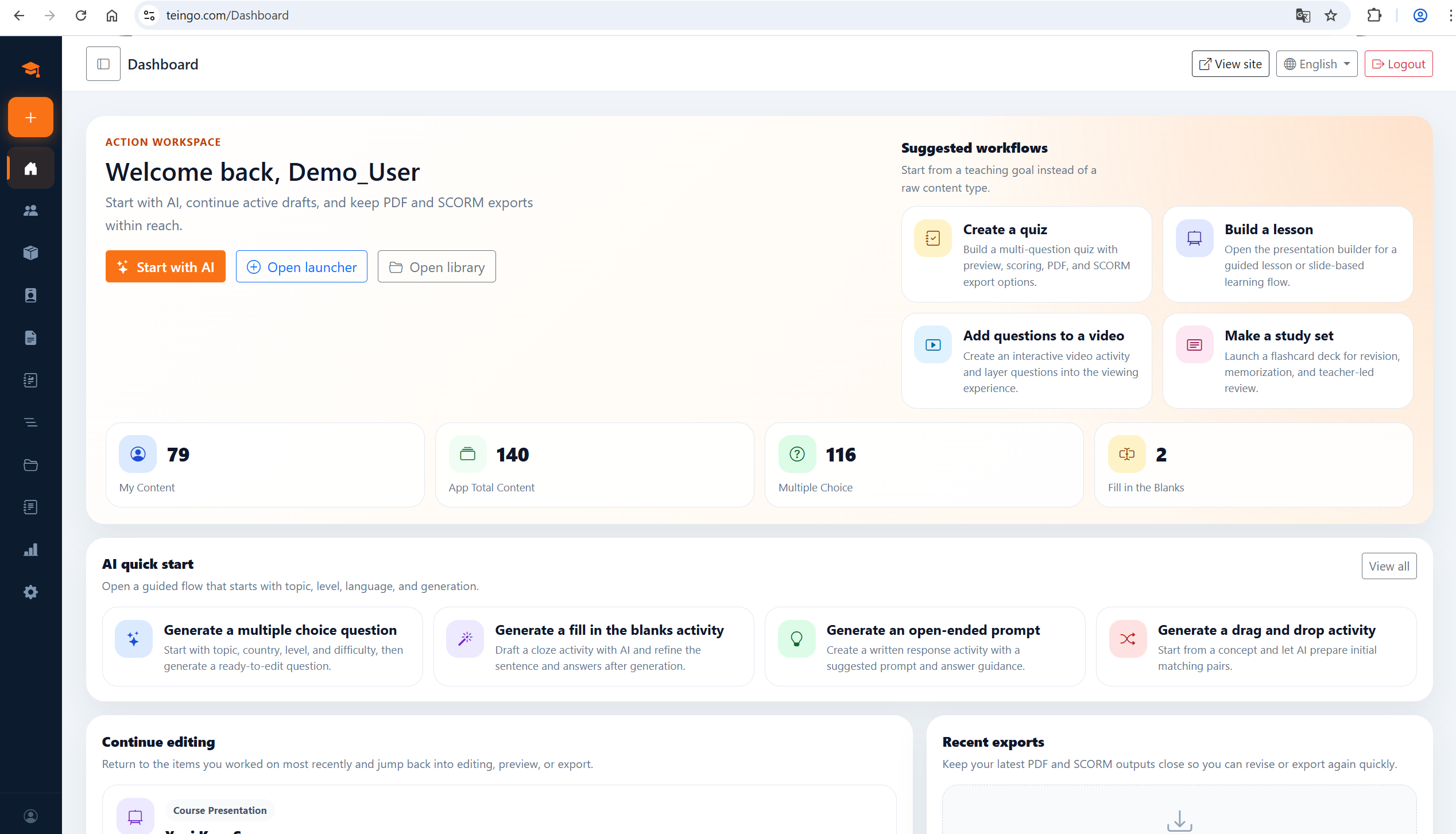
Dashboard is usually the first place you see; it gathers your recent work, shortcuts, and active areas in one calm view. The create menu starts a new piece, the library keeps finished and unfinished work together, and the export tools turn that work into something ready to send out.
It is enough to think of the platform in three layers: first you create single content items, then you combine them in quizzes, presentations, or other sets, and only at the end do you move to sharing or SCORM/PDF export.
A comfortable route for your first session
If this is your first visit, do not try to learn everything in one day. Start with a single question or a small piece of content, place it inside a quiz or a presentation, and only then open a preview.
That order matters because it lets you feel the product logic in the shortest possible path. You see where content is written, how sets are assembled, and what gets checked before export in one continuous flow.
How to use this hub
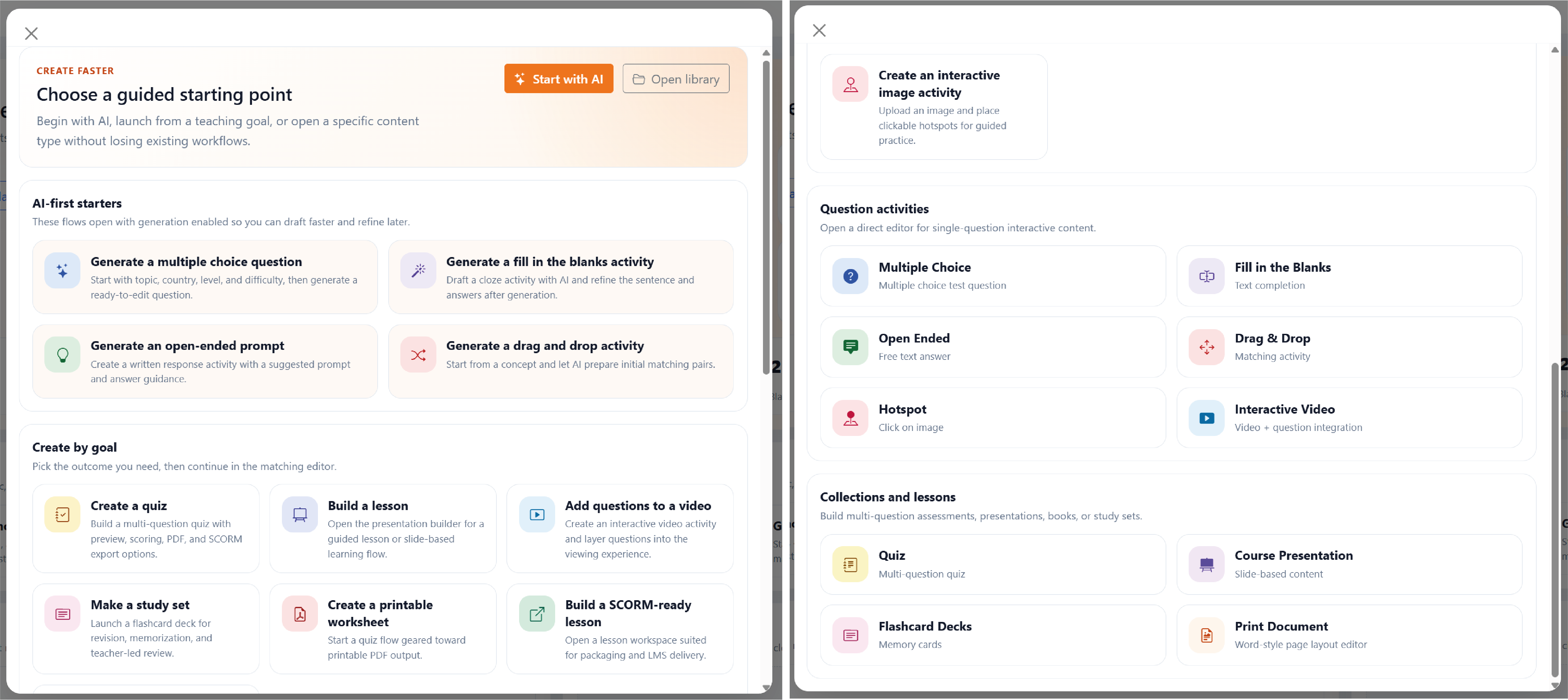
The guides here do not need to be read in order. If your goal today is to create questions, go to the content studio; if you want to build a set, move to learning sets; if you need output, open the export section.
That is also why we placed small screen previews between the text. They help you catch the feel of the area quickly, then jump into the related module for the details.
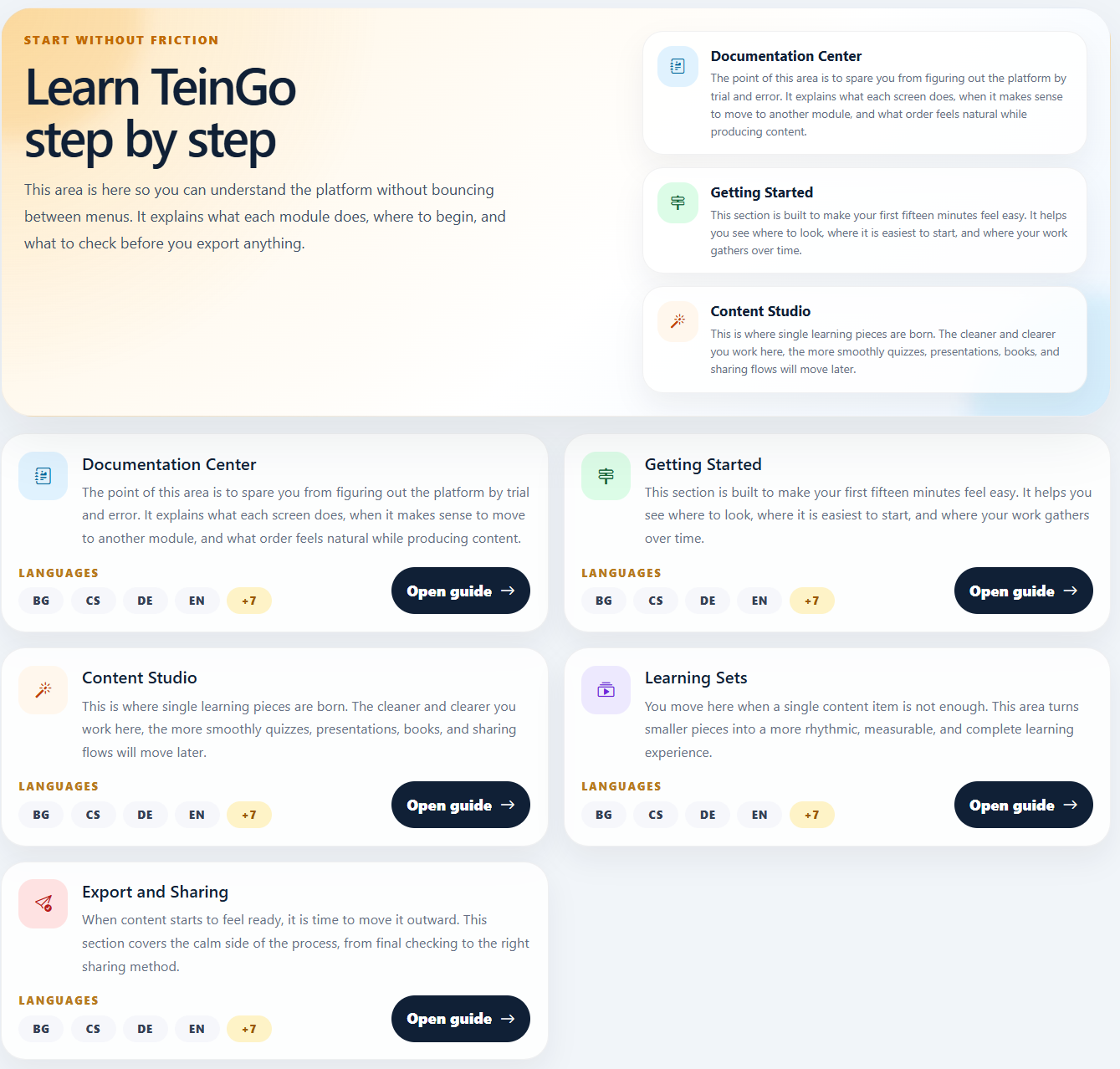
The product clicks much faster once you understand the flow instead of memorizing one module: create, combine, preview, then export.